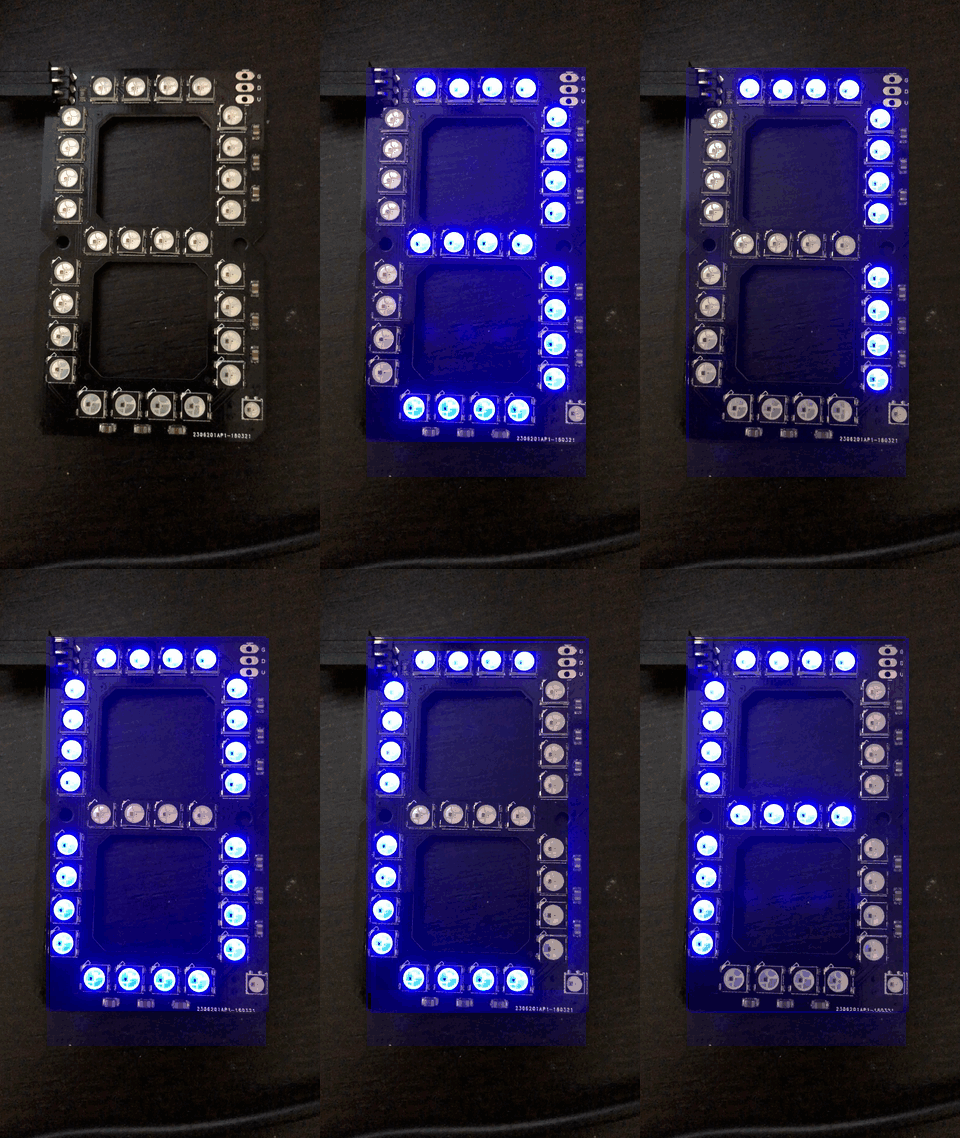
micropython-neo7segment
A MicroPython driver for the Neo7Segment↗ (opens in a new tab) displays created by Seon, the Unexpected Maker↗ (opens in a new tab)!
Install
mpremote mip install github:mattytrentini/micropython-neo7segmentOn a network-connected MicroPython board:
import mip
mip.install("github:mattytrentini/micropython-neo7segment")
The package has no external dependencies. To drive a physical display, use
firmware with neopixel support. Each Neo7Segment digit uses 29 pixels.
Examples
See the examples↗ (opens in a new tab) directory.
Note that it's possible to run example code without hardware on regular CPython - but instead of a lovely seven-segment rendering with neopixels you'll have RGB values for each neopixel printed out. See display_all_fake.py↗ (opens in a new tab).
To try the physical display, run display_all.py↗ (opens in a new tab)
on your board. The example uses GPIO 17; change it to match your wiring.
Basic Usage
import time
from neopixel import NeoPixel
from machine import Pin
from neo7segment import Neo7Segment

neo = NeoPixel(Pin(17), 29)
neo7 = Neo7Segment(neo, 1)

display_string = '1234567890.abcdef'
for char in display_string:
    neo7.display(char, (0, 0, 1))
    time.sleep_ms(250)